
PhilHealth ID: how to get one, what it looks like, and what it’s worth in 2026
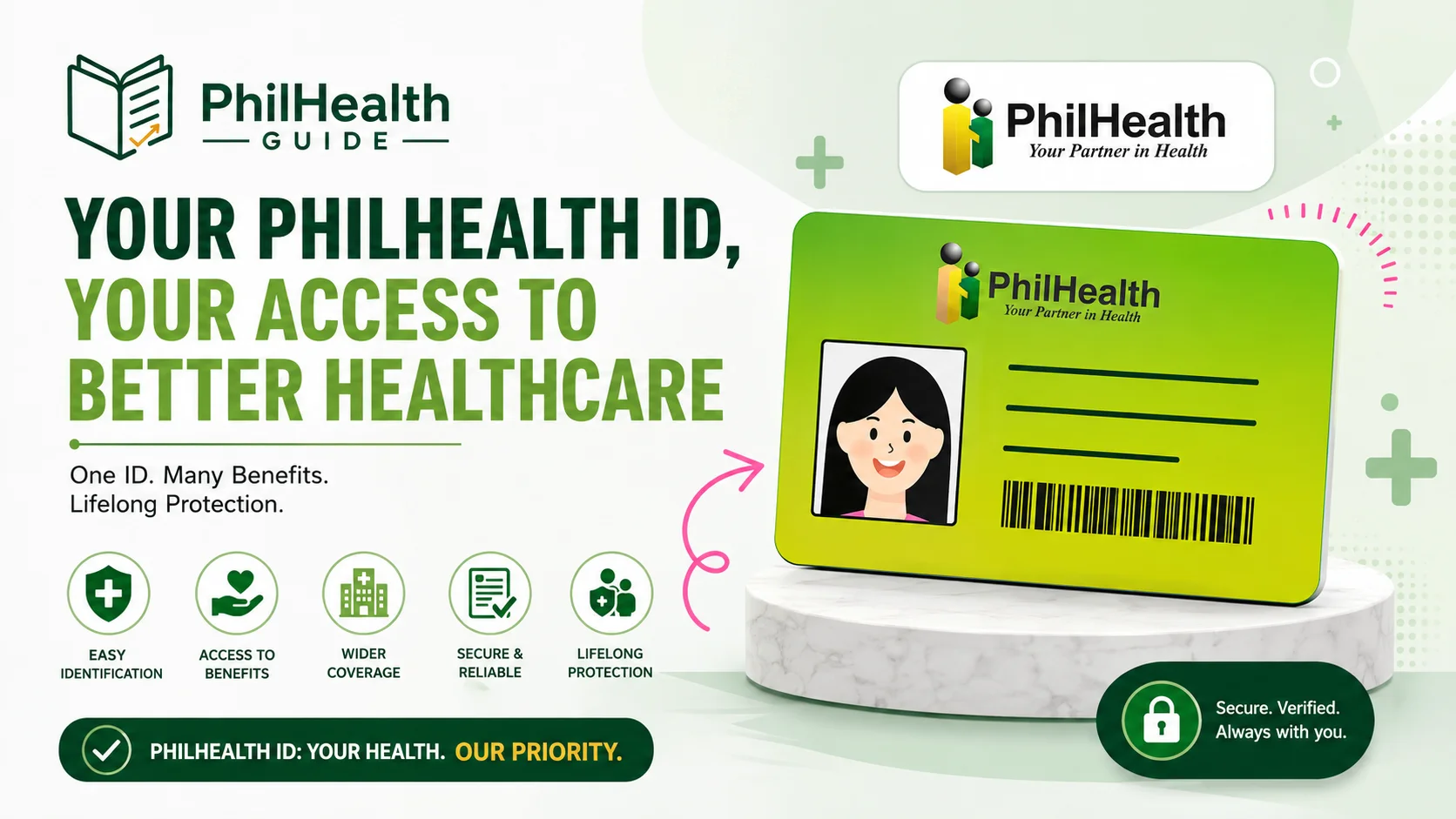
A PhilHealth ID is the card that shows you’re a registered member. It carries your name, photo, and 12-digit PhilHealth Identification Number (PIN). The standard paper version is free and printed the same day at a branch. A plastic PVC card exists but is hit-or-miss. And as of 2026, there’s a third option most guides haven’t caught up with yet: a digital PhilHealth ID inside the eGovPH app.
On this page
- What a PhilHealth ID actually is
- Is a PhilHealth ID a valid ID?
- The three formats in 2026
- PhilHealth ID requirements
- How to apply for a PhilHealth ID
- Already have a PIN? Just get the card
- Can you get a PhilHealth ID online?
- Your PhilHealth ID number, explained
- Lost your PhilHealth ID?
- The fake PVC card problem
- Quick answers
What a PhilHealth ID actually is
Straight version: the PhilHealth ID is the physical card that proves you’re registered with PhilHealth. It displays your name, your photo, and your 12-digit PIN. It is not the same as the PIN by itself, and it is not the same as your Member Data Record (MDR), the document a hospital actually reads to check your active status and dependents.
Here’s the thing that trips people up. Three separate things share the “PhilHealth” label and people treat them as one. Your PIN is a number. Your ID card is a piece of proof you hold in your hand. Your MDR is a status sheet. You can have the number without ever holding the card, which is exactly why so many long-time members show up at a branch asking for an ID they assumed they already had.
For day-to-day identification, the card is what people mean by “PhilHealth ID.” For getting benefits deducted at a hospital cashier, the MDR does the heavy lifting. Keep both handy and you’ll rarely get sent home to come back another day.
Is a PhilHealth ID a valid ID?
Yes, for most everyday transactions. Once you paste your photo, sign the paper card, and laminate it, it works as a valid secondary government ID at banks, schools, and government offices around the country. The PVC card counts the same way, it’s just sturdier plastic.
The three formats in 2026
Older guides mention two versions of the card. There are three now, and the newest one changes the calculation.
| Format | Cost | Where you get it | Reality check |
|---|---|---|---|
| Paper card | Free | Any branch, usually same day | The one most Filipinos actually have. You laminate it yourself. |
| PVC (plastic) card | Roughly ₱90–₱150 where offered | Only branches with a PVC printer | Availability comes and goes. Sometimes limited to certain member types. Don’t plan a trip around it. |
| Digital ID (eGovPH) | Free | eGovPH Super App, ID Wallet | New footing in 2026. Good as backup on your phone. In-person acceptance still varies. |
The digital one is the update worth flagging. The eGovPH Super App is the government’s single sign-in platform, and it now stores digital versions of several government IDs in an “ID Wallet,” PhilHealth among them. Its legal backing comes from the E-Governance Act, Republic Act No. 12254, which President Marcos signed on September 5, 2025; the implementing rules were signed by the DICT on March 24, 2026 and took effect the following April. That’s the law that pushes agencies onto eGovPH and gives the app’s digital credentials formal recognition.
On the PVC fee: PhilHealth doesn’t publish a fixed national price for it, so the ₱90–₱150 range you’ll see quoted comes from member reports at branches that print them, not from an official circular. If a branch offers it, they’ll tell you the exact amount at the window.
PhilHealth ID requirements
What you bring depends on whether you’re brand new or already registered.
- New member: a filled-out PMRF (member registration form), one valid government ID, and two recent 1×1 photos.
- Existing member: your PIN, one valid government ID, and two 1×1 photos.
- Replacing a lost card: all of the above, plus an Affidavit of Loss.
Requirements shift a little by membership category. Employed, self-employed, OFW, and sponsored members sometimes need one extra supporting document, and self-employed or voluntary members usually have to settle their first contribution before the membership is fully active. The full PhilHealth requirements checklist breaks it down by category if you want to confirm before heading out.
How to apply for a PhilHealth ID
The realistic order for a first-timer, not the tidied-up version:
- Register first. Do it through the online registration process or in person. The online route emails your PIN within a few days.
- Wait for your PIN. Nothing about the card can happen until this number lands in your inbox.
- Go to a branch with your PIN, a valid ID, and two 1×1 photos. Booking a PhilHealth online appointment first can spare you a long queue at busy offices.
- Ask the front desk for an ID, fill out the request form, and wait for it to print. Paper cards are typically done the same visit. Sign it, and laminate it near the branch for a few pesos.
Already have a PIN? Just get the card
If you registered years ago, probably through an employer, and never picked up a physical card, skip registration entirely. Bring your PIN, a valid ID, and two 1×1 photos to any branch and ask for the ID. That’s it. This is genuinely one of the most common situations at PhilHealth counters, so you’re not doing anything unusual. Forgotten the PIN itself? The lost PhilHealth number guide walks through every recovery route, quickest first.
Can you get a PhilHealth ID online?
The physical card, no. You can’t have a paper or PVC card printed and mailed. That step still happens in person at a branch, full stop. This is the single most common myth about PhilHealth ID online registration, so it’s worth being blunt about.
What you can do online has grown, though. You can register and get your PIN by email. You can log in to the Member Portal to view and download your MDR as a PDF, which is what matters most for hospital admission anyway. And through the eGovPH Super App you can now pull up a digital PhilHealth ID stored in the app’s ID Wallet, viewable offline once it’s loaded. So more of this lives on your phone than it used to, even if the printed card doesn’t.
Your PhilHealth ID number, explained
Your PhilHealth ID number and your PIN are the same thing: one 12-digit number, assigned when you register, that stays with you for life. It’s printed on your card and it doubles as your username for the Member Portal. There’s no separate “ID number” hiding somewhere distinct from your PIN. If you’re squinting at an old payslip or MDR wondering which number matters, the 12-digit one is it.
Lost your PhilHealth ID?
A lost card is a minor fix. It needs one extra document, and no police report.
- Get an Affidavit of Loss. A notary can do this the same day for a small fee.
- Bring it to any branch with your PIN (or your full name and birthdate if the PIN’s gone too) and a valid ID.
- Request a replacement. You’ll usually get a fresh paper card that same visit.
In the meantime, don’t skip care while you wait. Your MDR, or the digital ID in eGovPH, can stand in for identification at most accredited hospitals.
The fake PVC card problem
The only legitimate source for a paper or PVC PhilHealth ID is a PhilHealth branch. If a listing promises a “same-day guaranteed PVC card” for a fee outside official channels, that’s your cue to close the tab. Same logic applies to the digital version: the real one comes from the official eGovPH app published by the DICT, nowhere else.
Quick answers
How do I apply for a PhilHealth ID?
Register for a PIN online or at a branch, then bring that PIN, a valid government ID, and two 1×1 photos to any PhilHealth branch to have the card printed. The free paper version is usually done the same day.
Is a PhilHealth ID a valid ID?
Yes, as a valid secondary ID once it’s signed and laminated. Some transactions that require a primary ID will only accept it as backup, so confirm ahead for anything high-stakes like opening a bank account.
What are the PhilHealth ID requirements?
New members need a filled-out PMRF, one valid government ID, and two 1×1 photos. Existing members bring their PIN instead of the PMRF. A lost-card replacement also needs an Affidavit of Loss.
Can I get a PhilHealth ID online?
You can register and get your PIN online, download your MDR from the Member Portal, and view a digital PhilHealth ID in the eGovPH app. The physical card still has to be picked up in person at a branch.
Is my PhilHealth ID number the same as my PIN?
Yes. Both refer to the same 12-digit number assigned when you register. It appears on your card and also works as your Member Portal username.
How much does a PhilHealth ID cost?
The paper card is free. The PVC card runs roughly ₱90 to ₱150 where branches offer it, though availability is inconsistent. The eGovPH digital ID is free.
Does a PhilHealth ID expire?
The membership and PIN don’t expire. Your ID stays valid as identification, but your benefit eligibility depends on having recent, active contributions.
What if I lost my PhilHealth ID?
Get an Affidavit of Loss, then bring it with your PIN and a valid ID to any branch for a replacement. No police report needed.
Official sources
- Philippine Health Insurance Corporation (PhilHealth) — registration, member services, official advisories
- Republic Act No. 12254 (E-Governance Act) — legal basis for eGovPH digital credentials
- Department of Information and Communications Technology (DICT) — publisher of the eGovPH Super App and the RA 12254 IRR
About this guide. Written from the member’s side of the counter by someone who has registered, queued at an LHIO, and printed an MDR the night before an admission. We’re an independent PhilHealth member guide, not PhilHealth itself, and not a medical or legal professional. Rates and rules change, so confirm anything time-sensitive on the official portal before you act on it.
Not sure you even have a PIN yet?
That’s the real first step before any of this applies. Check your Member Portal access, or start clean with the online registration guide if you’ve never signed up.