
Lost PhilHealth Number? Here’s How to Get Your PIN Back
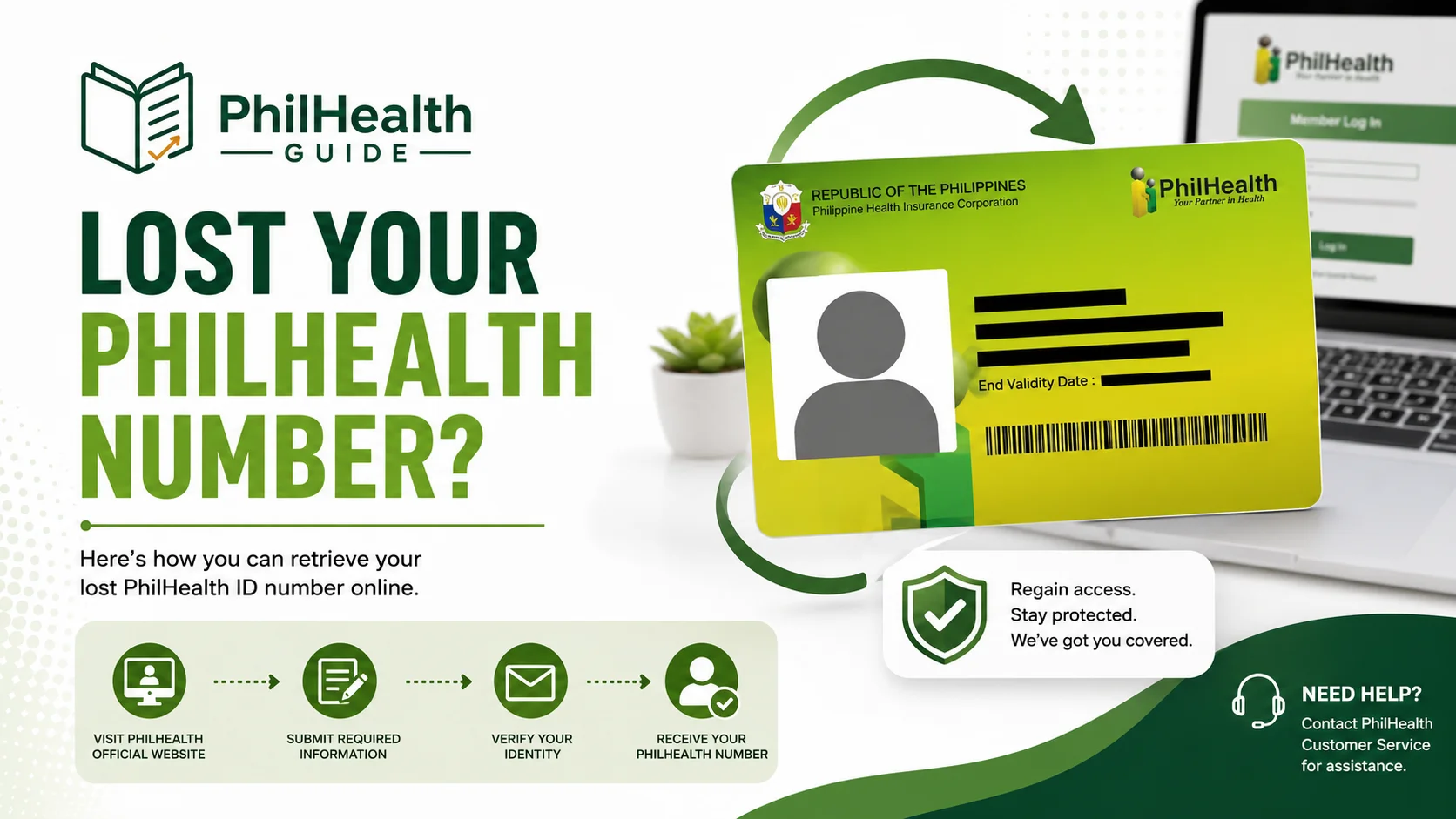
The first time I needed my PhilHealth number and couldn’t find it, I’d already thrown out the card. I assumed the number went with it. It didn’t. Your PIN sticks to your record forever, card or no card, so if you’re staring at an admitting window or a login screen right now with no number in hand, you’re closer to sorted than you think.
On this page
Quick answer
If you lost your PhilHealth number, it’s recoverable and it’s free. The quickest online route is the eGovPH app or the PhilHealth Check Utility on the Member Portal, both of which confirm your identity with a selfie liveness check and then show your 12-digit PIN. No smartphone or National ID handy? Email actioncenter@philhealth.gov.ph with a valid ID, text a callback request to the official hotline, or walk into any Local Health Insurance Office (LHIO) with one ID. Never re-register to “start over” — that creates a duplicate you’ll have to untangle later.
Your number isn’t actually gone
Here’s the part nobody tells you when you’re panicking: your PhilHealth Identification Number (PIN) is permanent. PhilHealth’s own member registration form describes the PIN as unique and permanent, meant to be used in every transaction for life. Changing jobs doesn’t reset it. Getting married doesn’t. Moving abroad, switching to voluntary paying, going quiet for a few years without contributions, none of that gives you a new number.
So losing the card, or losing the email, or forgetting the digits entirely, is a lookup problem, not a membership problem. Your record is still sitting in PhilHealth’s database under the same 12 digits it always had. All the methods below are just different ways of proving you’re you so they can read that number back to you.
How to recover a lost PhilHealth number
People type this a dozen ways: “i lost my philhealth number,” “philhealth id number lost,” “forgot or lost PhilHealth number.” Same answer for all of them. There are six legitimate channels, and they trade off speed against how much you need on hand. Pick based on what you’ve got right now, an app, an ID, a working SIM, or just your feet.
| Method | Speed | What you need | Best when |
|---|---|---|---|
| eGovPH app | Minutes | Smartphone, PhilSys National ID or ePhilID, selfie | You have a National ID and want it done from your phone |
| PhilHealth Check Utility | Minutes | Device with a camera, your exact registered details | You’re at a laptop and don’t have the app |
| Member Portal login | Minutes | An account you set up before | You already registered online at some point |
| Email Action Center | A few working days | A valid ID photo, your details | You’re not near a branch and it’s not urgent |
| Hotline / text callback | Same day to a day | A phone, working SIM on record | You’d rather talk to a person |
| LHIO walk-in | Same visit | One valid ID | You need it today and can get to a branch |
eGovPH app
Install eGovPH, scan your PhilSys National ID or ePhilID, and do the facial liveness scan. Open the health section and the app matches your verified identity to your PhilHealth record, then shows your digital card with the 12-digit PIN on it. This is the smoothest route if your National ID is already linked.
PhilHealth Check Utility (PCU)
This is PhilHealth’s newer online verification tool, defined in PhilHealth Circular No. 2025-0017, reachable through the Member Portal. It checks your details against PhilSys and runs a camera liveness check to confirm a real person is present, then validates your membership. Type your name exactly as it appears on your PhilHealth record, not the version you use socially.
Log in to the Member Portal
If you ever registered online, your PIN is already inside your account. Go to the Member Portal login and use “Forgot Password?” if you can’t get in. Once you’re on your dashboard, your PIN is on your profile and your MDR.
Email the Action Center
Send your full name, birthdate, and a clear photo of one valid government ID to actioncenter@philhealth.gov.ph. It works, but plan around a few working days for the reply. Wording is below.
Call or text for a callback
The Action Center hotline is (02) 8441-7442, and PhilHealth also runs a 24/7 line at (02) 8662-2588. To get called back, text your request to an official mobile hotline using the format “PHICallback [space] your mobile number [space] your concern.” Callbacks run 8am to 8pm. Official mobile numbers include Smart 0998-857-2957 and Globe 0917-127-5987.
Walk in to any LHIO
Bring one valid ID to any Local Health Insurance Office and staff can pull your record on the spot. It’s the least convenient to reach and the most reliable once you’re there, which makes it the right call when you need the number the same day.
Places your PIN is already written down
Before you contact anyone, spend five minutes checking the spots where your number is almost certainly already printed. This is the fastest fix of all, and it costs nothing:
- An old payslip, if you’ve ever been employed, your PhilHealth PIN is usually listed with your other deductions.
- Any MDR you printed before, the number is right at the top.
- Your original registration confirmation email from PhilHealth.
- A photo of your old card on your phone, check your gallery before you assume it’s gone.
- HR records, if you’re currently employed, your HR or payroll team already has it on file.
The email that actually gets a reply
Emailing feels too simple to work, which is exactly why people skip it. It does work, and for anyone far from a branch it’s one of the more dependable free options. Keep it short and give them enough to find you:
Subject: Request to retrieve my PhilHealth PIN
Good day. I’ve misplaced my PhilHealth number and would like to retrieve it. Here are my details for verification: full name, date of birth, place of birth, and current address. A photo of my valid government ID is attached. I’d appreciate your help confirming my PIN. Thank you.
Attach one clear ID photo, send it, and give it a few working days before you assume it went into the void. When the reply lands, put the number somewhere you’ll find it later, a notes app or password manager, not a sticky note that becomes the next thing you lose.
Mistakes that make it worse
Second, watch who you hand your details to. Recovering a PIN is free and PhilHealth doesn’t collect payment through personal GCash or Maya accounts, so any Facebook page or “PhilHealth assistant” offering to look up your number for a fee is a scam. PhilHealth also won’t text you an account-update link out of nowhere. Stick to actioncenter@philhealth.gov.ph, the official hotline, the eGovPH app, the Member Portal, or a real LHIO. Before you type your PIN into any site, check the address bar ends in philhealth.gov.ph.
Recovering a family member’s number
Trying to find a parent’s or spouse’s PIN, usually because someone’s suddenly admitted? The same channels apply, but PhilHealth won’t release another person’s number to a third party without their consent and details, so you’ll need those, not just your own ID. If the person genuinely can’t be reached, an LHIO visit with proof of relationship, like a marriage or birth certificate, is the most reliable path.
While you’re at it, if you’re sorting out an older parent who might fall under a different membership category such as senior citizen coverage, confirm that status shows correctly on their record once you have the number back. Don’t assume it applied automatically.
Got it back? Don’t stop there
The number is step one. A working PIN isn’t the same as an active, benefit-ready membership, so once you’re past the panic, do a quick health check on the record:
- Log in to the Member Portal and confirm your name, birthdate, and category are correct.
- Download a fresh MDR, the Member Data Record hospitals actually read at admission to confirm you’re active.
- Check that your PIN is empanelled under YAKAP if you want free outpatient consultations, having a PIN alone no longer switches those on.
- If any detail is wrong, fix it through a PMRF update, not a new registration.
Need the physical card too, not just the digits? See our PhilHealth ID guide. Starting from scratch rather than recovering an old record? The online registration guide walks through that instead.
Quick answers
Is my PhilHealth number gone if I lost the card?
No. Your PIN is permanent and tied to your record for life, per PhilHealth’s own registration form. The card is just a printout of it. Recover the number through the eGovPH app, the PhilHealth Check Utility, email, the hotline, or any LHIO.
What’s the fastest way to recover a lost PhilHealth number?
The eGovPH app or the PhilHealth Check Utility, if you have a smartphone or a device with a camera and can pass the selfie liveness check. Both show your PIN within minutes. A branch visit is fastest if you don’t have those but can get there in person.
Does recovering my PhilHealth number cost anything?
No. Every official channel, the app, the Check Utility, email, hotline, and branch visits, is free. Anyone charging a fee to look up your number outside these channels is not legitimate.
How long does the email request take?
Usually a few working days for a reply from actioncenter@philhealth.gov.ph. It’s a solid free option if you’re not near a branch, but use the app or an LHIO if you need the number today.
I lost my number, should I just register again?
No. Registering again creates a duplicate record and future headaches, mismatched contributions and merge paperwork. Your original PIN is recoverable through several free channels.
Can I recover someone else’s PhilHealth number for them?
You’ll generally need their consent and personal details, since PhilHealth won’t hand another person’s PIN to a third party without them. If they’re unreachable, an LHIO visit with proof of relationship is the most reliable route.
Official sources
Verify with PhilHealth directly
- PhilHealth official website (philhealth.gov.ph)
- PhilHealth About Us — official hotlines and Action Center contacts
- PhilHealth Circular No. 2025-0017 (defines the PhilHealth Check Utility)
- Action Center email: actioncenter@philhealth.gov.ph · Hotline: (02) 8441-7442 · 24/7 line: (02) 8662-2588
About this guide: PhilHealth Guide is an independent resource written from the member’s side of the counter, by people who’ve registered, lost and recovered a PIN, and queued at an LHIO themselves. We aren’t PhilHealth and we don’t process your records. For any official transaction, use philhealth.gov.ph or the contacts above. Figures and procedures were checked in August 2026; if a detail looks different on PhilHealth’s own pages, theirs is the one to follow.
Found your number?
Save it somewhere you’ll actually find it again, then pull a fresh MDR and confirm your details are current before you ever need them at an admitting desk.