
PCU PhilHealth: What It Is and How to Use It (2026)
The first time a YAKAP clinic asked me to do a “PCU check” before my consultation, I half-expected some kind of background screening. It’s a face scan that confirms you’re who your records say you are, over before I’d even finished sitting down, no PIN, no password, no form to fill out in triplicate.
On this page
Quick Answer
PCU stands for PhilHealth Check Utility, an online identity-verification tool built with the Philippine Statistics Authority’s National ID system (PhilSys). It confirms you’re really you using your name, birth date, and a short facial liveness check instead of your PIN and password. Per PhilHealth Circular No. 2025-0017, PCU is used mainly for YAKAP Primary Care Clinic selection, your First Patient Encounter, and before each consultation. It’s a verification tool, not a registration tool, it won’t create a PhilHealth record if you don’t already have one. You can try it directly at pcu.philhealth.gov.ph.
What PCU Actually Does
PCU checks your submitted details against two databases in sequence: first PhilSys, then PhilHealth’s own membership records, per PhilHealth Circular No. 2025-0017. Only individuals already registered under PhilSys can be processed through PCU this way.
Once you pass a PCU check for the first time, the circular states your record gets tagged “PhilSys Verified” inside PhilHealth’s database, a trusted link PhilHealth reuses for your future transactions instead of asking you to prove your identity from scratch every time.
PCU also does quiet backend work beyond identity confirmation: it flags duplicate records or beneficiaries who aren’t yet in PhilHealth’s system, and every PCU interaction gets logged with a timestamp that PhilHealth uses for claim validation and fraud monitoring, according to the same circular.
Is PCU a Login or a Registration Tool?
Neither, exactly. PCU doesn’t ask for a PIN or password the way the PhilHealth Member Portal does, you verify yourself with your legal name, birth date, and a live selfie instead. And it won’t register you with PhilHealth if you don’t already have a PhilHealth Identification Number, that still requires a PMRF through online or in-person registration.
The Member Portal and PCU are genuinely separate systems that happen to connect to each other. You can reach PCU on its own at pcu.philhealth.gov.ph, and the Member Portal also links out to it as one of its identity verification options when you select your YAKAP clinic there.
Where You’ll Actually Encounter PCU
PhilHealth Circular No. 2025-0017 specifies three points where PCU applies within the Primary Care Benefit process (branded YAKAP): individual PC Clinic selection when you’re physically present, your First Patient Encounter before the clinic conducts it, and before each subsequent consultation at your chosen clinic.
| Touchpoint | What PCU confirms |
|---|---|
| YAKAP Clinic selection (in person) | Your identity, before locking in your chosen clinic |
| First Patient Encounter | Identity, prior to the clinic’s initial health data intake |
| Each YAKAP consultation | Identity, before the clinic links you to that visit’s services |
PhilHealth has also required a PCU Transaction Number alongside claim submissions for certain GAMOT outpatient medicine benefit filings since January 2026, per PhilHealth Advisory No. 2025-0072, with compliance deadlines for some rolled-over members later extended into the second half of 2026 under Advisory No. 2026-0011. PhilHealth has signaled PCU will keep expanding toward hospitals and other accredited facilities as a standard check-in step over time.
What You Need Before Starting
- An existing PhilSys National ID registration. PCU checks against PhilSys first, without it, verification can’t proceed this way.
- Your exact legal name, including middle name and suffix, matching what’s on your PhilSys record.
- A device with a working front-facing camera, a phone is fine.
- Decent, even lighting for the liveness check.
If your PhilHealth record needs an update first, a changed name or outdated details, sort that out before attempting PCU, since mismatches are the most common reason a check fails.
How to Complete a PCU Check
- Go to pcu.philhealth.gov.ph and review the consent notice. You’ll see two checkboxes, one acknowledging PhilHealth’s Data Privacy Statement and Policy, another consenting to submit your personal details and facial biometrics. Tick both to continue.
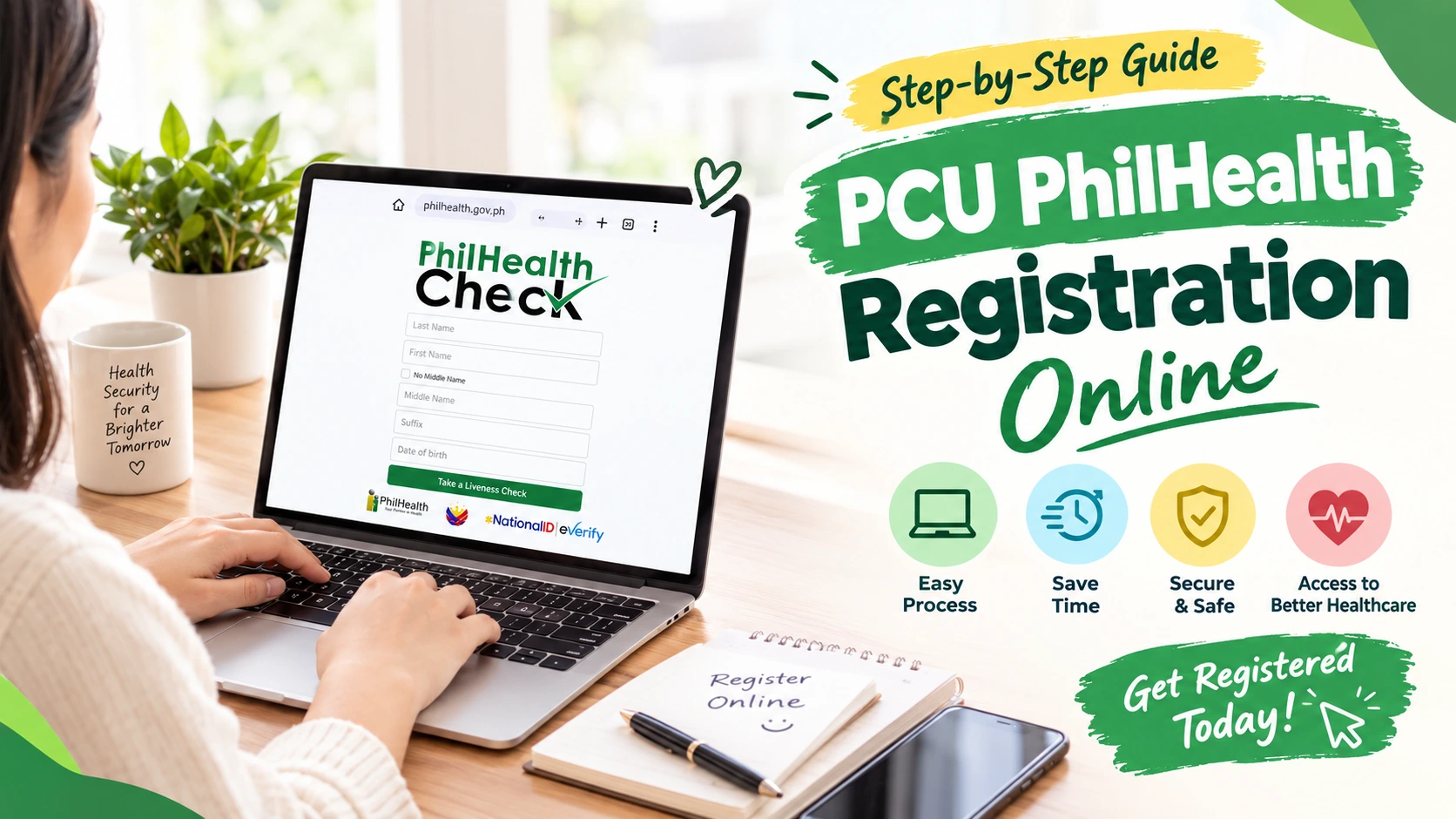
- Enter your personal details, Last Name, First Name, Middle Name (or tick “No Middle Name” if genuinely none), Suffix if applicable, Date of Birth, and Sex.
- Start the liveness check. Your camera activates, position your face in the on-screen guide and follow any prompts.
- Wait for your result. PCU checks your details against PhilSys, then PhilHealth’s membership database, and returns a match or a failure.
What Happens If Verification Fails
If you’re not yet PhilSys-registered, PCU stops and tells you so rather than silently failing, the circular’s own process flow shows this as a distinct result screen. In that case, staff at a PhilHealth office or PC Clinic fall back to manual verification using a valid government-issued ID instead.
If your details simply don’t match, a different spelling, an unlisted middle name, the usual fix is updating your PhilHealth record to match your PhilSys registration, since PCU checks what’s currently on file, not what’s printed on your physical ID.
Is PCU Mandatory?
Not for every PhilHealth transaction, but yes for specific ones. It’s required for YAKAP Clinic selection, the First Patient Encounter, and pre-consultation checks, and PhilHealth has been requiring a PCU Transaction Number for certain claim submissions since early 2026. Outside those specific touchpoints, a valid ID and your PhilHealth ID or MDR remain accepted ways to confirm who you are at most accredited facilities, at least for now.
What Happens to Your Face Data
PCU’s consent screen states plainly that your name, birth date, sex, and facial biometrics may be disclosed to third parties as part of PhilHealth’s regular business operations. That’s stated upfront, not buried, and you do have to actively consent before any check runs.
If you’d rather not go through a facial liveness check, you’re not required to for most transactions. A valid ID alongside your PhilHealth ID or MDR still works at accredited facilities outside the specific points where PCU has been made mandatory.
Mistakes to Avoid
- Typing your name differently than your PhilSys record. Even a dropped middle initial can cause a mismatch.
- Attempting PCU without a PhilSys registration. Register for your National ID first if you haven’t already.
- Poor lighting or a covered face. Remove glasses if possible and find even lighting before the liveness check.
- Confusing PCU with the Member Portal. They’re separate systems serving different purposes, even though one links to the other.
Frequently Asked Questions
What does PCU stand for in PhilHealth?
PhilHealth Check Utility, an online tool that verifies a member’s identity using personal details and a facial liveness check, built jointly with the PSA’s National ID system.
Is PCU the same as the PhilHealth Member Portal login?
No. The Member Portal uses your PIN and password to manage your full account. PCU is a separate, lighter verification tool that confirms identity without either, though the Member Portal links out to it.
Do I need my PhilHealth PIN to use PCU?
No. PCU verifies you using your name, birth date, and a facial liveness check instead of your PIN, which is part of why it works for members unsure of their PIN.
Is the PCU PhilHealth check free?
Yes. There’s no fee to complete a PCU verification at pcu.philhealth.gov.ph.
What are the requirements to use PCU?
An existing PhilSys National ID registration, your exact legal name matching that record, a device with a front-facing camera, and decent lighting for the liveness check.
Can I use PCU to register for PhilHealth?
No. PCU only verifies an existing identity against PhilSys and PhilHealth records. New members still need to register through a PMRF, online or in person.
Is PCU mandatory for all PhilHealth transactions?
No. It’s specifically required for YAKAP Clinic selection, First Patient Encounters, pre-consultation checks, and certain claim submissions. Other transactions still accept a valid ID and PhilHealth MDR.
What happens if I don’t have a PhilSys National ID yet?
PCU verification can’t proceed through PhilSys matching. Staff fall back to manual ID verification instead, and registering for a National ID resolves this for future checks.
Need to sort out your PhilHealth record before trying PCU?
Check your MDR for outdated details, or see our lost PhilHealth number guide if you’re not sure of your PIN at all.